Invoicing
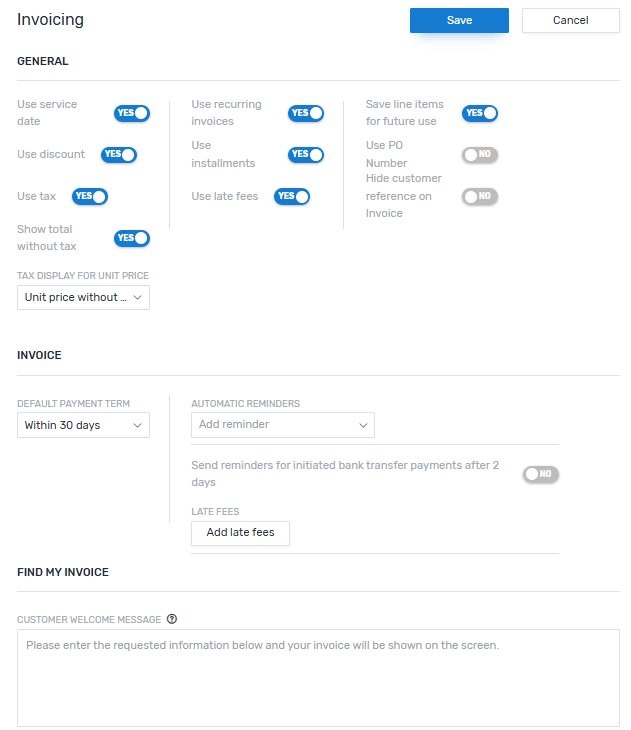
Here you can change the settings for invoices.
These settings are global settings, which means they affect all users and all accounts (portals).
Settings
GENERAL
|
Use Service Date |
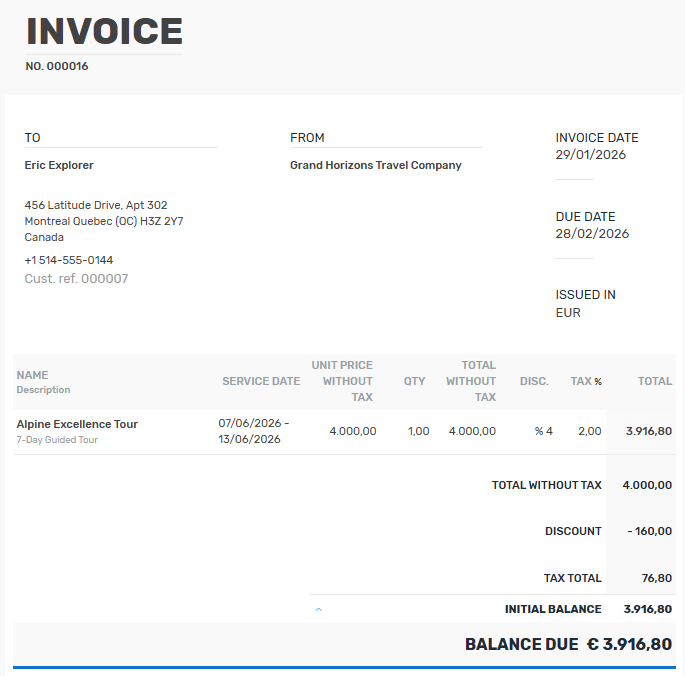
Defines if the Service Date field will be shown when adding line items for an invoice. The service date lets you specify a time (from - to) for the line item, for example: Line Item: 7-Day Guided Alpine Excellence Tour Service Date: May 10, 2026 – May 16, 2026 A service date only applies to the current invoice, not to the re-usable line item. Saving the line item won't store the date, which allows you to set a new date every time you use it. |
||||
|
Use discount |
Defines if the Discount field will be shown when adding line items for an invoice. Adding a discount for a line item lets you reduce the cost of the item. The discount only applies to the current invoice, not to the re-usable line item. Saving the line item won't store the discount, which allows you to set a new discount every time you use it. |
||||
|
Use tax |
Defines if the Tax field will be shown for line items. The tax applies to the line item, not just the current invoice. This means if you disable this field and already have saved line items that contain a tax, the tax will still be applied for the total of the item, but the tax field won't be shown.
|
||||
|
Show total without tax |
Defines if the Total without Tax will be shown for line items on the invoice. |
||||
| Tax display for unit price |
Defines if the unit price on the invoice is shown with or without tax. |
||||
| Use recurring invoices | Defines if users can create recurring invoices. If you disable this, recurring invoices won't be available in the Invoicing module. | ||||
| Use installments | Defines if users can use installments when creating an invoice. | ||||
| Use late fees | Defines if users can use late fees when creating an invoice. | ||||
| Save line items for future use |
When creating an invoice, users can add line items and have the option to save them for future use. This setting defines if new line items are saved by default. If it is disabled, users will still have the option to save the line item they created, but need to manually toggle Save item for future use if they want to save it. |
||||
| Use PO number |
Defines if a PO number is used. |
||||
| Hide customer reference on invoice |
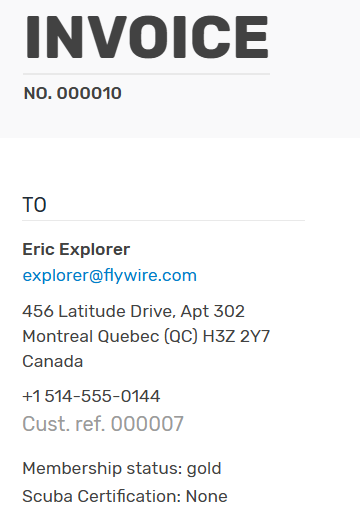
Defines if the contact reference number is shown to your customer on the invoice.  What is the reference number? What is the reference number?
The contact reference number uniquely identifies a contact.
|
INVOICE
|
Default Payment term |
Defines the default payment term for all invoices. |
| Automatic reminders |
Defines the automatic reminders for all invoices. |
| Late fees |
Defines the default late fees for all invoices. |
FIND MY INVOICE
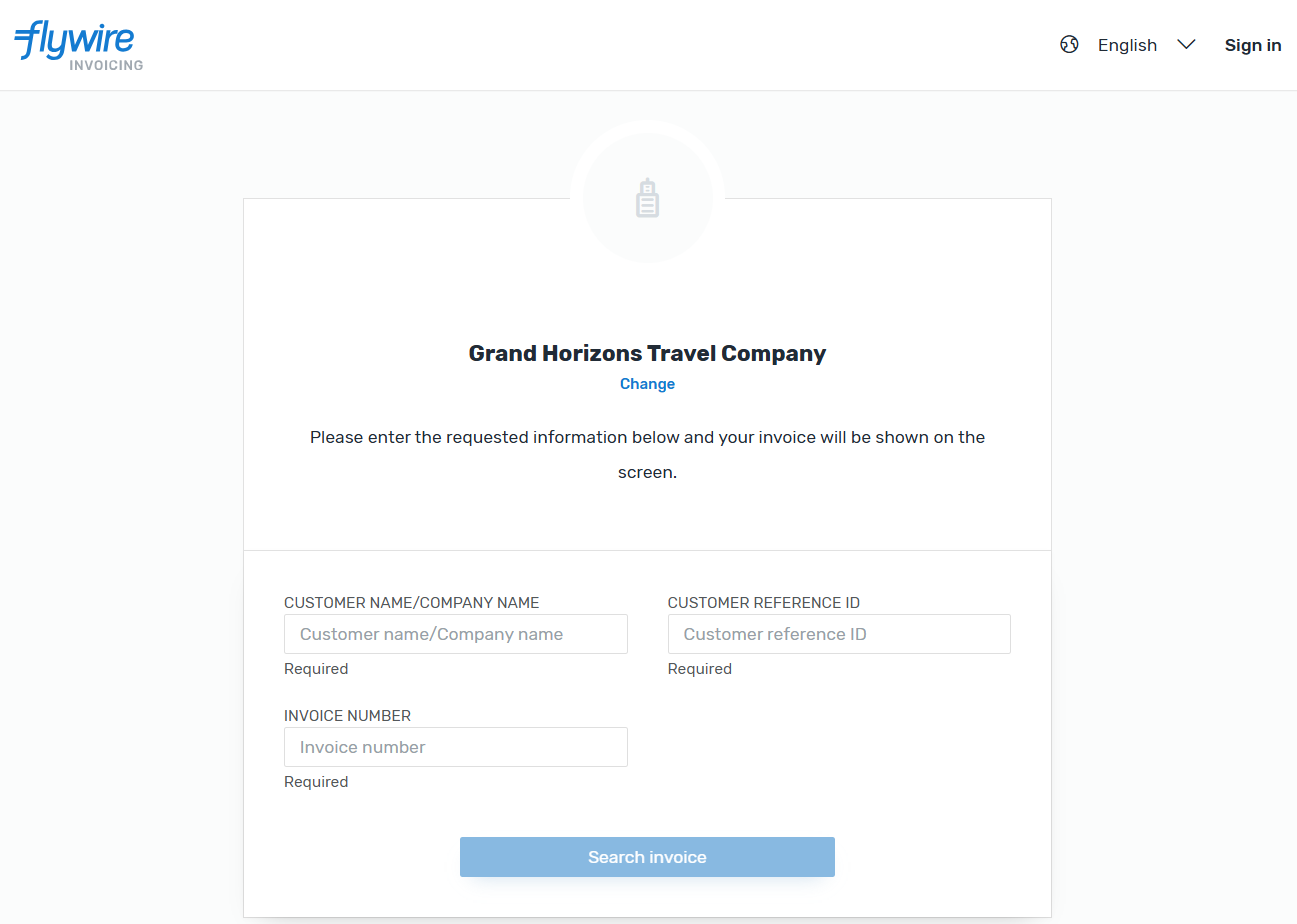
Here you can customize the welcome message for your customers that is displayed to them on the Find my invoice page.
How do the settings affect the invoice for the customer?
Hover over the settings to see what part of the invoice they change:
Use Service Date
Use discount
Use tax
Show total without tax
Tax display for unit price
Show/Hide customer reference on invoice