General
These settings are global settings, which means they affect all users and all accounts (portals).
This module allows you to adjust basic settings and formats for the dashboard.
| Functional Currency |
Functional currency is the currency type (for example, EUR) in which all reporting data is displayed.  How do I change the functional currency? How do I change the functional currency?
Contact customer support if you want to change the functional currency for your organization. |
||||
| Date Format |
Use the drop-down to select the correct date format. Make sure that the date format matches the settings of your organization to avoid confusion and data errors.
|
||||
| Contact Sequence Format |
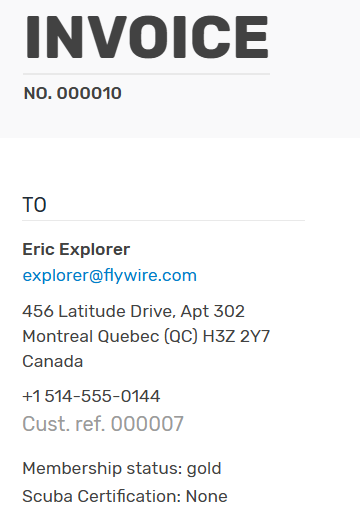
The contact sequence format defines how Flywire Dashboard generates contact reference numbers when you are adding a new contact. The default is 0000000, which means the next contact you add will get the reference number 0000001. You can change this setting according to your own system of reference numbers. You can use letters, but the field must contain at least one number to be increased. If there are multiple number blocks (like 1ABC1) Flywire Dashboard will increase the last number (1ABC2). Examples:
More info about contact reference numbers
The contact reference number uniquely identifies a contact.
|
||||
| Hide cancelled payments by default |
Selecting this checkbox allows you to hide all cancelled payments across the dashboard. |
||||
| Number Appearance | Grouping allows you to select the appropriate symbol to group by. Decimal allows you to select the appropriate decimal mark. | ||||
| Store Payment Methods |
Move the slider to Yes to store contact payment methods for future use. |