Line Items
Line items are the individual items that make up an invoice or credit note. Each item consists of at least a name, description and the amount for this item. Line items can be saved and re-used for future invoices and credit notes.
Line Item: 7-Day Guided Alpine Excellence Tour
Amount per unit: 3000 EUR
Adding a Line Item
-
Click Add item.
-
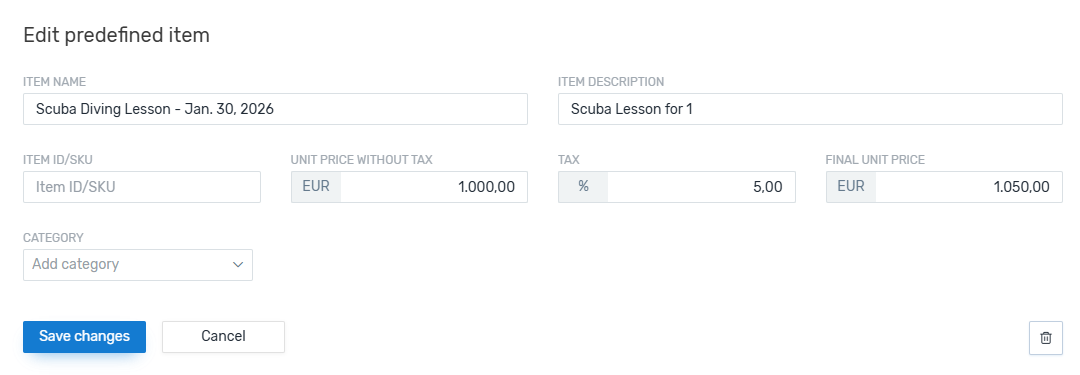
Complete all fields that are displayed in the window.
Fields that are mandatory are marked Required.
It depends on your settings which fields are available for line items.
-
If enabled in your settings, you can add more information to the line item once you create an invoice or credit note. For an invoice, you can add a discount and a service date. For credit notes, you can add a service date.
 More about the service date
The service date lets you specify a time (from - to) for the line item, for example:
Line Item: 7-Day Guided Alpine Excellence Tour
Service Date: May 10, 2026 – May 16, 2026
A service date only applies to the current invoice, not to the re-usable line item. Saving the line item won't store the date, which allows you to set a new date every time you use it.
More about discounts
Adding a discount for a line item lets you reduce the cost of the item.
The discount only applies to the current invoice, not to the re-usable line item. Saving the line item won't store the discount, which allows you to set a new discount every time you use it.